Best PDF Editing Tools You Can Use Without Paying
Free PDF editor options that edit text, merge, sign and redact without a subscription, plus the privacy risks and legal lines every user should know.
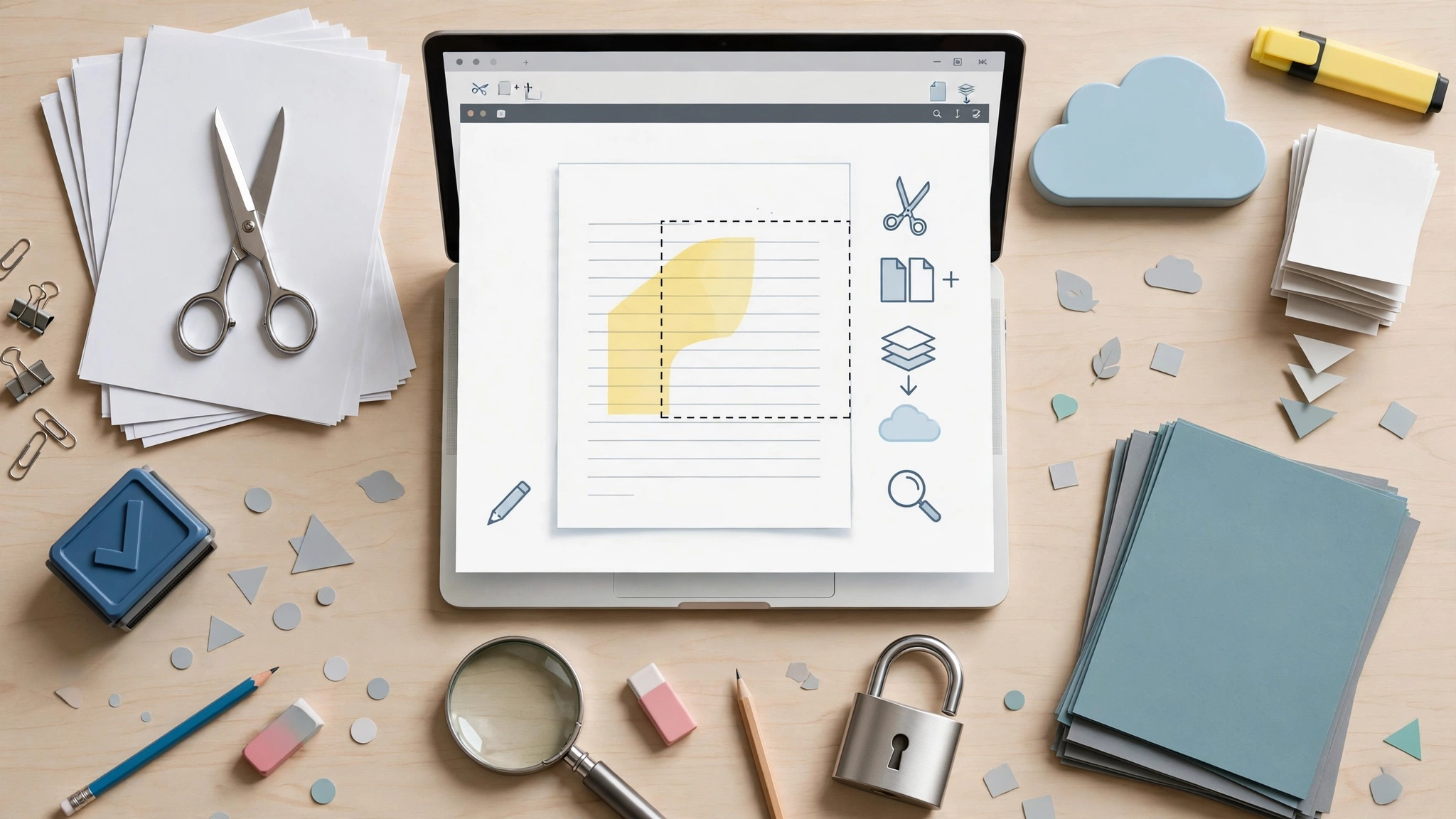
Free PDF Editor: 8 Best Tools You Can Trust Without Paying in 2026
Introduction
Free PDF editor tools can handle far more than most people expect. You can fix a typo in a contract draft, sign a rental form, merge scanned receipts or redact a phone number without paying for Adobe Acrobat Pro. The catch is that “free” means different things on different websites. Some tools are truly free and open source. Others let you upload a file, do the work, and then demand payment to download it or stamp a watermark across every page.
That is frustrating when you just need to get one document done before a deadline. It is also risky, because many online tools upload your files to servers you know nothing about, and PDFs often hold bank details, ID numbers and signatures.
This guide cuts through the noise. It compares eight best free PDF editing tools that actually work without paying, explains what each one can and cannot do, and shows which to use for editing text, merging, signing, OCR and redaction. Every pick has been chosen for real no-cost use, not a trial that expires in a week.
We also look at the side of PDF editing that competitors avoid. Doctored bank statements, forged certificates and badly redacted court files have led to fraud convictions, scandals and leaked secrets. Knowing those cases helps you use a free PDF editor responsibly and protect yourself when documents really matter.
What a Free PDF Editor Can and Cannot Do
Before picking a tool, it helps to know what to expect. PDF was designed as a final, fixed format, so editing it is harder than editing a Word file. A free PDF editor usually falls into one of three levels.
Level 1: Annotate, fill and sign
Almost every free tool can add comments, highlights, sticky notes, text boxes and drawn or typed signatures. It can also fill PDF forms that have interactive fields. For most everyday paperwork, such as job applications, school forms or lease agreements, this is all you need.
Level 2: Organize pages
The next level covers page work: merge PDF files, split them, rotate, reorder, delete pages and compress large files for email. These features are widely free and work well in both desktop and online tools.
Level 3: Edit existing text and images
This is where many “free” tools stop being free. Changing the actual words already in a document, swapping images or reflowing paragraphs is often locked behind a paid plan. Even Adobe’s free online editor only allows comments and markup, not true body text edits. The tools in this guide that edit PDF for free at this level are flagged clearly.
Other features worth knowing
- OCR (optical character recognition): turns scanned images into searchable, selectable text.
- Redaction: permanently removes sensitive text instead of just covering it.
- Conversion: turns PDFs into Word, Excel or images and back again.
- Password protection: encrypts a file so only people with the password can open it.
Common limits on free plans
Watch for daily task caps, page or file size limits, watermarks on export, and mandatory sign-ups. A good PDF editor without watermark stamps is worth more than a flashy one that brands every page.


8 Best Free PDF Editor Tools That Actually Work
Each pick below is genuinely usable without paying. Free limits change, so check the vendor’s page before relying on a tool for a big job.
| Tool | Platforms | Edits existing text free? | Best for | Main limit |
|---|---|---|---|---|
| PDF24 Creator | Windows, browser | Basic | All-round desktop toolkit | Windows only offline |
| PDFgear | Windows, Mac, iOS, Android | Yes | Text edits, OCR, no sign-up | Fewer advanced options |
| PDF-XChange Editor (free) | Windows | Limited | Annotation power users | Paid features add a watermark |
| LibreOffice Draw | Windows, Mac, Linux | Yes, simple layouts | Open source text edits | Complex layouts break |
| Sejda | Browser, desktop | Yes | Quick online text edits | Daily task and file size caps |
| iLovePDF | Browser, mobile | No | Merge, split, compress, convert | Files uploaded to servers |
| Adobe Acrobat Reader | Windows, Mac, mobile | No | Filling, signing, commenting | No real text editing |
| Built-in tools (Preview, Edge) | Mac, Windows | No | Quick signs and notes | Basic features only |
1. PDF24 Creator: best free PDF editor for Windows
PDF24 Creator is a free desktop toolbox that merges, splits, compresses, converts, adds OCR and signs PDFs without a watermark. Because it runs offline on your computer, your files stay private. Text editing is basic, but for everyday paperwork it is hard to beat.
2. PDFgear: best for editing text at no cost
PDFgear lets you change existing text and images, run OCR, convert files and sign documents for free, with no account needed. It works on Windows, Mac and phones, which makes it one of the most practical free options for real text editing.
3. PDF-XChange Editor (free version)
Windows power users love PDF-XChange Editor for its dense toolset. The free version handles annotations, comments, measurements and form filling very well. Be careful, though: if you use a paid-only feature, it stamps a watermark on the saved file.
4. LibreOffice Draw: best open source PDF editor
The open source PDF editor inside LibreOffice opens a PDF as editable objects, so you can change words and move images. It works best on simple documents like letters and forms. Heavily designed brochures may lose fonts or alignment.
5. Sejda: best online text editor
Sejda is one of the few browser tools that edits existing text on its free plan. It is perfect for a quick fix, but the free tier caps the number of tasks per day and file sizes, so it does not suit big batches.
6. iLovePDF: best for page tasks online
iLovePDF offers dozens of free tools to merge, split, compress and convert PDFs right in the browser. It does not edit body text for free, and your files are uploaded to its servers, so avoid it for sensitive documents.
7. Adobe Acrobat Reader: best for forms and signatures
The free Adobe Acrobat Reader is still the most compatible way to view, comment on, fill and sign PDFs. It will not let you change existing text without paying, but it is the safest choice when a form must look exactly right for a bank or government office.
8. Built-in tools: Mac Preview and Microsoft Edge
You may already own a free PDF editor. Mac Preview can sign, annotate, reorder and merge pages. Microsoft Edge can highlight, draw, add text and fill forms. Microsoft Word can also open a PDF, convert it into an editable document and save it back as PDF.
Honorable mentions
- PDFsam Basic: a free, open source desktop tool for splitting, merging and rotating PDFs offline.
- Stirling-PDF: an open source toolkit you can run on your own computer or server, popular with privacy-focused users and small offices.
How to Choose the Right Free PDF Editor for the Job
The best free PDF editor depends on the task in front of you. Matching the tool to the job saves time and avoids surprise paywalls.
Quick picks by task
- Fix a typo or change a date: PDFgear, Sejda or LibreOffice Draw.
- Fill and sign a form: Adobe Acrobat Reader, Mac Preview or Microsoft Edge.
- Merge or split files: PDF24 Creator, PDFsam Basic or iLovePDF.
- Make a scan searchable: PDF24 Creator or PDFgear for OCR.
- Comment on a draft: PDF-XChange Editor or Acrobat Reader.
- Remove private details: a desktop tool with true redaction, such as PDF24 Creator or Stirling-PDF.
Online vs desktop: the privacy question
An online PDF editor is convenient, but it means uploading your file to a company’s server. Most reputable services say they delete files within hours, but you are trusting their word, their security and the laws of the country where their servers sit.
For anything containing ID cards, bank statements, medical reports, contracts or tax forms, use an offline free PDF editor instead. Desktop tools like PDF24 Creator, PDFgear, LibreOffice and PDFsam process files on your own computer, so nothing leaves your device.
Beware of fake free PDF editor sites
Search ads for “free PDF editor” are a well-known trap. Security researchers have repeatedly found fake PDF converter sites and malicious installers that bundle adware, steal browser data or push ransomware. Protect yourself with a few simple habits:
- Download only from the developer’s official website or a trusted app store.
- Skip sponsored search results and check the web address carefully.
- Decline extra toolbars or “recommended” software during installation.
- Keep your antivirus and operating system updated.
How to edit PDF for free in five steps
- Open the file in your chosen tool, ideally an offline one.
- Pick the right mode: annotate, fill, edit text or organize pages.
- Make your changes and check fonts and alignment afterward.
- Save as a new file so you always keep the original untouched.
- If you removed private data, check it is truly gone by searching for it or copying the text.
Ethics and the Law: When PDF Editing Becomes a Crime
A free PDF editor makes changing documents easy, and that is exactly why the legal lines matter. Editing your own draft is fine. Changing a document someone else relies on, such as a bank statement, degree or signed contract, can be document forgery. Real cases show how often these edits are caught and how badly sloppy editing can backfire.
Forged documents that were caught
- The Killian documents (2004). CBS News aired memos claiming to show problems in George W. Bush’s National Guard service. Experts quickly noticed the typography matched modern Microsoft Word defaults, not 1970s typewriters. CBS could not authenticate them, and the fallout cost several staff their jobs.
- The Calibri font controversy (2017). During Pakistan’s Panama Papers investigation, a trust deed dated 2006 was found to use the Calibri font, which was not commercially released until 2007. Investigators treated it as fabricated, and it featured in a 2018 conviction that was later overturned on appeal in 2022. Whatever the final legal outcome, the case showed how a single font can expose an edited document.
- PPP loan fraud (2020 onward). US prosecutors have charged many people who used edited tax forms, payroll records and bank statements to claim COVID relief loans. Doctored PDFs were a common thread in those cases.
- The Axact degree scandal (2015). A New York Times investigation exposed a company selling fake diplomas and certificates from invented universities worldwide. People linked to the scheme were later convicted in the US and Pakistan, and many buyers lost jobs when their credentials were checked.
The lesson is simple. Fonts, metadata, creation dates, compression patterns and bank verification calls all reveal edits. Altering official documents is a crime in nearly every country, from the forgery sections of Pakistan’s Penal Code to US federal fraud laws.
Redaction failures that leaked secrets
The opposite mistake is just as common. Drawing a black box over text with a free PDF editor does not remove the words underneath.
- TSA screening manual (2009). The US Transportation Security Administration posted a manual online with sensitive sections blacked out. People simply copied and pasted the hidden text.
- Paul Manafort court filing (2019). Lawyers for Donald Trump’s former campaign chairman filed a document with poorly redacted passages. Reporters revealed the hidden text, which showed Manafort had shared campaign polling data with an associate tied to Russian intelligence.
If you need to redact PDF files, use a real redaction tool that deletes the content, then search the saved file to confirm the text is gone.
E-signatures and consent
Typing or drawing your own signature on a PDF is legal for most everyday agreements under laws such as the US ESIGN Act, the EU’s eIDAS regulation and Pakistan’s Electronic Transactions Ordinance 2002. Copying someone else’s signature onto a document, or editing a contract after the other side signed it, is fraud. If terms change, send a new version and get it signed again.
Copyright and locked PDFs
Removing passwords or copy protection from ebooks, paid reports or course materials you do not own can break copyright law, including anti-circumvention rules in the US. Only unlock files you created or have permission to change.
An ethical checklist for PDF editing
- Edit only documents you own or have permission to change.
- Never alter official records, certificates, statements or IDs.
- Keep the original file and save edits as a new version.
- Use true redaction for private data, not black boxes.
- Sign only for yourself, and re-sign when terms change.
Frequently Asked Questions About Free PDF Editor Tools
Is there a truly free PDF editor with no watermark?
Yes. PDF24 Creator, PDFgear, LibreOffice Draw, PDFsam Basic and the built-in tools in Mac and Windows all work without watermarks. PDF-XChange Editor is free too, as long as you avoid its paid-only features.
Which free PDF editor can change existing text?
PDFgear, Sejda’s free tier and LibreOffice Draw can edit text already in a PDF. Results are best on simple documents with standard fonts.
Is it safe to use an online free PDF editor?
For non-sensitive files, reputable online tools are usually fine. For IDs, contracts, financial or medical documents, use an offline free PDF editor so the file never leaves your computer.
Can a free PDF editor sign documents legally?
For most everyday agreements, a typed or drawn signature on a PDF is legally valid in many countries. Some documents, such as certain property, court or government filings, may need certified digital signatures or wet ink.
Is editing a PDF illegal?
No. Editing your own documents is completely legal. It becomes illegal when you alter a document to deceive someone, such as changing a bank statement, certificate or signed contract.
Conclusion
You do not need an expensive subscription to work with PDFs, because a good free PDF editor like PDF24 Creator, PDFgear, PDF-XChange Editor, LibreOffice Draw, Sejda, iLovePDF, Adobe Acrobat Reader or the tools already built into Mac and Windows can handle filling, signing, merging, OCR and even real text editing at no cost, as long as you understand each tool’s limits and choose offline options for sensitive files; at the same time, the Killian memos, the Calibri font controversy, PPP loan fraud cases, the Axact degree scandal and the leaked TSA and Manafort redactions all show that edited documents are easy to detect and that careless redaction can expose secrets, so use your free tools on documents you own, keep originals intact, redact properly and never change records that other people rely on.