How to Safely Factory Reset Your Phone Before Selling It
Factory reset your phone before selling with 10 clear steps for Android and iPhone, from backups and account removal to avoiding costly data leaks.
How to Safely Factory Reset Your Phone Before Selling It
Introduction
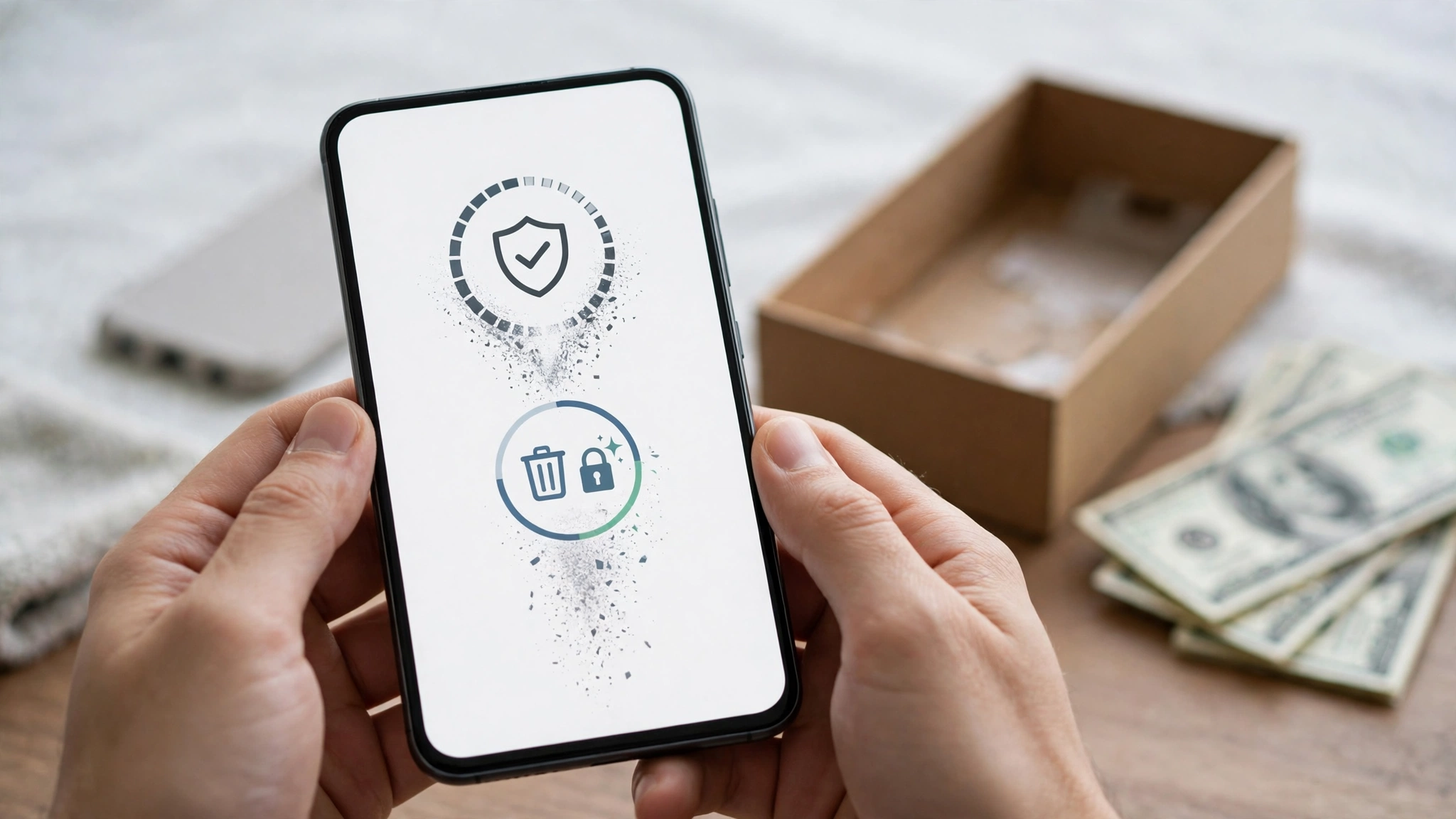
If you’re about to sell, trade in, or give away an old handset, the most important thing you can do is factory reset your phone before selling it, and do it properly. Your phone holds more about you than your wallet does: private photos, banking apps, chat histories, saved passwords, ID card scans, work email, and logins to almost every account you own. Handing that to a stranger without wiping it is like handing over a spare key to your whole life.
Most people know they should reset their phone. Fewer know that a reset done in the wrong order can cause real problems. Skip the backup and you lose years of photos. Forget to remove your Google account or Apple ID and the buyer ends up with a phone they can’t use. Leave a memory card or SIM inside and your data walks out the door anyway.
This guide walks you through the whole process, step by step, for both Android phones and iPhones. You’ll learn what to back up, which accounts to sign out of, how to run the reset on Samsung, Google Pixel, and other Android phones, how to erase an iPhone before selling, and what to check afterward.
We’ll also look at the reality behind the advice. Researchers have recovered thousands of private photos from second-hand phones, and stolen phones are regularly sold to unsuspecting buyers. Knowing those risks helps you sell safely, and buy safely too.
Prepare First: Steps 1 to 6 Before You Wipe Anything
A factory reset can’t be undone. Everything you skip here is either lost forever or left behind for the buyer. Take 30 to 60 minutes for these preparation steps before you touch the reset button.
Step 1: Back up your phone
Start by making a full backup so you can move everything to your new phone.
- On Android: go to Settings > Google > Backup (or Settings > System > Backup) and tap Back up now. This saves app data, call history, contacts, settings, and SMS to your Google account. Samsung users can also use Samsung Cloud or Smart Switch.
- On iPhone: go to Settings > [your name] > iCloud > iCloud Backup and tap Back Up Now, or connect to a computer and back up with Finder or iTunes.
- Photos and videos: make sure Google Photos or iCloud Photos has finished syncing. Open the app and check that there’s no “uploading” or “waiting” message. For extra safety, copy your photos to a computer or external drive too.
Step 2: Save chats, authenticator codes, and important files
Some of your most important data doesn’t go into the regular backup.
- WhatsApp: go to Settings > Chats > Chat backup and run a backup to Google Drive or iCloud.
- Authenticator apps: if you use Google Authenticator, Microsoft Authenticator, or similar apps for two-factor codes, transfer them to your new phone first. Lose them, and you could be locked out of email, banking, and social media.
- Banking apps: many banks link your account to one device. Deregister the old phone in the app or contact your bank so you can activate the new one.
- Downloads and documents: check your Downloads folder for ID scans, tickets, and PDFs you want to keep.
Step 3: Unpair watches, earbuds, and other devices
If you use a smartwatch, unpair it from the phone first. On iPhone, unpairing an Apple Watch through the Watch app also creates a backup of the watch. On Android, open your watch app (such as Galaxy Wearable or Pixel Watch) and disconnect. Then remove saved Bluetooth devices in your settings.

Step 4: Sign out of your accounts
This is the step people most often forget, and it causes the biggest problems after the sale.
- Android: go to Settings > Passwords & accounts (or Accounts and backup > Manage accounts on Samsung) and remove your Google account. Remove your Samsung account and any other accounts listed too.
- iPhone: go to Settings > [your name], scroll down, and tap Sign Out. Enter your Apple Account password to turn off Find My and Activation Lock.
Why it matters: Android’s Factory Reset Protection and Apple’s Activation Lock are anti-theft features. If your account is still linked when the phone is reset, it will ask for your password during setup. The buyer won’t be able to use the phone, and you’ll get an angry call.
Step 5: Deregister iMessage and handle eSIMs
If you’re moving from an iPhone to an Android phone, deregister iMessage. Otherwise, messages from iPhone users may keep going to your old number as iMessages and never arrive on your new phone.
If your phone uses an eSIM, transfer it to your new phone or ask your mobile operator to move it. When erasing an iPhone, choose the option to erase the eSIM profile as well.
Step 6: Remove your SIM and memory card
A factory reset doesn’t wipe a microSD card on many phones, and it obviously doesn’t touch the SIM card. Pop both out before you sell. Your SIM card is linked to your phone number, which is linked to your WhatsApp, bank OTPs, and account recovery. A memory card can hold years of photos even after the phone itself is wiped.
Step 7: How to Factory Reset Your Phone Before Selling (Android and iPhone)
With your data backed up and accounts removed, you’re ready for the reset itself. Plug the phone into a charger first. A reset can take several minutes, and a phone that dies halfway through can get stuck.
Why encryption makes a reset safe
Years ago, a reset on some Android phones only deleted the “index” to your files, and recovery software could bring photos back. That’s why the cases later in this article happened. Today, phones encrypt your data by default. iPhones have done this for years, and Android has required encryption on new phones since Android 10.
With encryption, a factory reset destroys the key that unlocks your data. Whatever is left on the storage chip becomes unreadable. That’s why a proper reset on a modern phone is enough for most people. If you’re selling a very old Android phone, check Settings > Security > Encryption to confirm it’s encrypted before resetting.
Google Pixel and most Android phones
- Open Settings.
- Tap System > Reset options.
- Tap Erase all data (factory reset).
- Tap Erase all data, then enter your PIN, pattern, or password.
- Confirm, and wait for the phone to restart to the welcome screen.
Google’s guide to resetting your Android device to factory settings covers this and notes that menu names vary by manufacturer.
Samsung Galaxy phones
- Open Settings.
- Tap General management > Reset.
- Tap Factory data reset.
- Scroll down, tap Reset, and enter your PIN or password.
- Tap Delete all and wait for the phone to restart.
If you didn’t remove your Samsung account earlier, the phone will ask for its password before resetting.
Xiaomi, Redmi, Tecno, Infinix, Realme, Oppo, and Vivo
The option is usually under Settings > Additional settings > Backup and reset or Settings > System > Reset. Look for “Erase all data” or “Factory data reset.” Some brands ask you to type a confirmation or enter your brand account password. Use the search bar at the top of Settings and type “reset” if you can’t find it.
iPhone
- Open Settings > General > Transfer or Reset iPhone.
- Tap Erase All Content and Settings.
- Enter your passcode and Apple Account password if asked.
- If the phone uses eSIM, choose to erase the eSIM profile too when selling.
- Wait for the phone to restart to the “Hello” screen.
Apple’s checklist on what to do before you sell, give away, or trade in your iPhone explains that erasing the device turns off Find My and Activation Lock.
If the phone won’t turn on or you forgot the PIN
You can still reset most phones using recovery mode, usually by holding a button combination like power and volume up while the phone is off. If you forgot your PIN, you’ll need your Google account or Apple Account password after the reset to get past the anti-theft lock. If you’ve lost access to those too, contact the manufacturer with your proof of purchase. Never use “FRP bypass” tools on a phone you’re selling, since it suggests to buyers that the phone may be stolen.
Steps 8 to 10: Check Your Work and Sell Safely
The reset is done, but you’re not quite finished. These last three steps make sure nothing is left behind and that the sale itself doesn’t become the weak point.
Step 8: Confirm the phone is truly wiped
When the reset finishes, the phone should show the language or “Hello” welcome screen, exactly like a new phone. Don’t sign in to it again.
If you want to double-check, tap through the first few setup screens while connected to Wi-Fi. If the phone asks for a previously used Google account or Apple Account to continue, the anti-theft lock is still on. Go back and remove the account from the phone’s listing in your account settings (Step 9), or sign in, remove the account properly, and reset again.
Step 9: Remove the old phone from your accounts
Your accounts may still list the old phone as a trusted device, even after a reset. Clean these up from your new phone or a computer:
- Google: visit your Google Account, open Security > Your devices, and sign out of the old phone. Also remove it from Find My Device.
- Apple: in Settings > [your name], scroll to your device list, tap the old iPhone, and choose Remove from Account. Check Find My on iCloud as well.
- WhatsApp, Telegram, and banking apps: check “linked devices” or “active sessions” and log out the old phone.
- Samsung, Xiaomi, and other brand accounts: remove the device from their “Find my phone” and device lists.
Step 10: Clean it up and sell it safely
A clean phone with its box and accessories sells faster and for more money. Wipe the screen and body, take clear photos in daylight, and be honest about scratches, battery health, and any repairs.
The sale itself also carries risks. Keep these rules in mind:
- Never share OTP codes. A common scam is a “buyer” who asks you to forward a code sent to your phone, supposedly to verify the sale. That code is often for your WhatsApp or bank account.
- Meet in a public place such as a busy mall or a bank branch, ideally during the day.
- Get paid before handing over the phone. Confirm bank transfers in your own banking app, not from a screenshot the buyer shows you.
- Keep a record. Note the buyer’s name and contact details, the phone’s IMEI, and the date of sale. In Pakistan, keeping the box and the original purchase receipt with the IMEI also helps prove the phone was legitimately yours.
- Don’t help with suspicious requests. If a buyer asks you to leave the account signed in or wants the phone “unlocked from the network” in a hurry, be cautious.
Quick summary: all 10 steps
| Step | What to do |
|---|---|
| 1 | Back up your phone and photos |
| 2 | Save chats, authenticator codes, and bank app access |
| 3 | Unpair watches and Bluetooth devices |
| 4 | Sign out of Google, Apple, and brand accounts |
| 5 | Deregister iMessage and move your eSIM |
| 6 | Remove the SIM and memory card |
| 7 | Run the factory reset |
| 8 | Confirm the welcome screen shows with no account lock |
| 9 | Remove the old phone from your online accounts |
| 10 | Clean it, photograph it, and sell it safely |
Why You Must Factory Reset Your Phone Before Selling: Real Cases and Legal Risks
It’s easy to think nobody would bother digging through an old phone. The cases below show that people do, and that the used phone market is also where stolen devices end up. Understanding both sides makes you a safer seller and a more careful buyer.
The Avast experiment: 40,000 photos from 20 “wiped” phones
In 2014, security company Avast bought 20 used Android phones on eBay. The previous owners had all run a factory reset or a “delete all” operation before selling. Using readily available forensic recovery software, Avast’s researchers recovered more than 40,000 photos, including over 1,500 family photos of children and hundreds of intimate images. They also found emails, text messages, contact details, the identities of some sellers, and even a completed loan application. The Avast press release on recovered data from used phones describes the findings.
Those phones mostly ran Android 4, before encryption was standard. Today’s phones encrypt data by default, which is why a proper reset is now much safer. But the lesson still holds for anyone selling an older phone, and for anything stored on a removable memory card, which may not be encrypted at all. When in doubt, remove the card and keep it or destroy it.
Data like this fuels blackmail and identity fraud
Recovered photos and documents aren’t just embarrassing. The Avast researchers warned that compromising images could be used for blackmail, and that documents like ID scans and loan applications are exactly what identity thieves need to open accounts in your name. In Pakistan, ID card copies are often stored on phones for SIM registration, banking, and job applications, which makes a careless phone sale especially risky.
Stolen phones are wiped and resold too
The second-hand market has a darker side. In 2025, London’s Metropolitan Police ran Operation Echosteep, which it described as the UK’s largest-ever crackdown on phone theft. The investigation began when a box of around 1,000 iPhones bound for Hong Kong was found at a warehouse near Heathrow Airport. Police said the network they disrupted was suspected of smuggling up to 40,000 stolen phones from the UK to China in a year, and that stolen phones are typically digitally wiped and resold abroad. The Met’s update on guilty pleas in the investigation reports more than 10,000 stolen iPhones recovered.
That’s why anti-theft locks matter so much. Activation Lock and Factory Reset Protection make a stolen phone far less valuable, and why legitimate sellers must remove their accounts properly. A phone that still asks for the previous owner’s account looks exactly like a stolen one.
Pakistan has its own controls. The PTA’s DIRBS system blocks the IMEIs of phones reported stolen, and in one fiscal year the PTA reported blocking around 175,000 IMEIs to stop stolen phones from being used. If you buy a used phone that turns out to be stolen, it may stop working on your SIM, and knowingly handling stolen goods is a crime.
Ethical responsibilities for sellers
Selling responsibly goes beyond wiping your data.
- Be honest about the phone’s condition, including battery health, repairs, replaced screens, and any water damage.
- Never sell a phone that’s still account-locked or that you can’t prove is yours.
- Don’t sell a phone with a blocked or tampered IMEI without disclosing it, and ideally don’t sell it at all.
- Keep the box and receipt so the buyer can trust the phone’s history.
Ethical responsibilities for buyers
If you buy a used phone and find the previous owner’s photos, messages, or accounts still on it, don’t look through them, share them, or use them. Accessing someone’s accounts without permission is illegal in many countries, and Pakistan’s Prevention of Electronic Crimes Act 2016 treats unauthorized access to data and sharing someone’s intimate images without consent as criminal offences. Reset the phone, and if you can, let the seller know so they can secure their accounts.
Before buying, check the IMEI on the PTA’s DIRBS portal, make sure the phone reaches the welcome screen without asking for anyone’s account, and walk away from deals that seem too cheap.
Conclusion
To factory reset your phone before selling it safely, work through all 10 steps in order: back up your phone and photos, save chats and authenticator codes, unpair your devices, sign out of your Google account or Apple Account, deregister iMessage and move your eSIM, remove the SIM and memory card, run the reset, confirm the phone reaches the welcome screen with no account lock, remove it from your online accounts, and then sell it carefully without sharing OTP codes or handing over the phone before you’re paid. Modern encryption makes a proper reset far more effective than it was when Avast recovered 40,000 photos from 20 “wiped” phones, but skipped steps still leave your data, your accounts, and your reputation exposed, and the same second-hand market is where stolen phones from operations like London’s Operation Echosteep end up being wiped and resold. Taking an hour to do it right protects your privacy, gives the buyer a phone they can actually use, and keeps both of you on the right side of the law.