Best Budget Smartphones for Senior Citizens in Pakistan
Budget smartphones for senior citizens in Pakistan with big screens, simple menus, and long battery life, plus the phone scams older users must avoid.
Budget Smartphones for Senior Citizens in Pakistan
Introduction
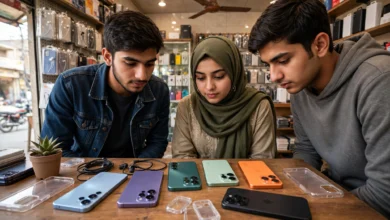
Finding budget smartphones for senior citizens in Pakistan is less about specs and more about peace of mind. Your father wants to see his grandchildren on WhatsApp video. Your mother wants to call her sisters without hunting for tiny icons. Neither of them wants a phone that dies by evening or confuses them with endless pop-ups.
The good news is that you no longer need to spend a lot. Phones between Rs 35,000 and Rs 65,000 now come with large screens, batteries that last a full day or more, and built-in simple modes that turn a crowded home screen into a few big, clear buttons. Several of them are assembled locally and sold with official warranty, which makes repairs and PTA registration far less of a headache.
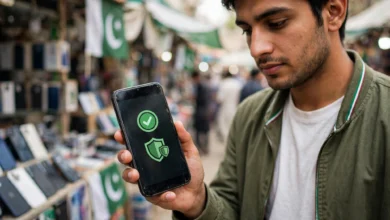
There is a harder side to this topic too. Older Pakistanis are a favorite target for phone fraud. Gangs posing as bank officers, government officials, or relatives in trouble call every day, and the National Cyber Crime Investigation Agency has arrested several of them this year alone. A phone is only a good gift if it is set up safely.
This guide covers both. You will find the best phones for elderly in Pakistan at realistic budget prices, the features that actually matter for older users, and a simple safety setup based on the real scams that have cost families their savings. Take ten minutes with it before you buy.
What to Look For in Budget Smartphones for Senior Citizens
Before comparing models, it helps to know which features genuinely matter to an older user. Many marketing points, like gaming chips or five cameras, add cost without adding comfort.
Large, bright screen
A 6.5-inch or larger display makes text, contacts, and video calls easier to see. Brightness matters as much as size. A dim screen is hard to read on a sunny veranda. AMOLED screens tend to look sharper and brighter than basic LCD panels at the same price.
Long battery life
Older users often forget to charge, or keep the phone on a table for days. A long battery life of 5,000mAh or more is the minimum. Some budget phones now offer 6,000 to 7,000mAh, which can stretch to two days of light use.
Simple or easy mode
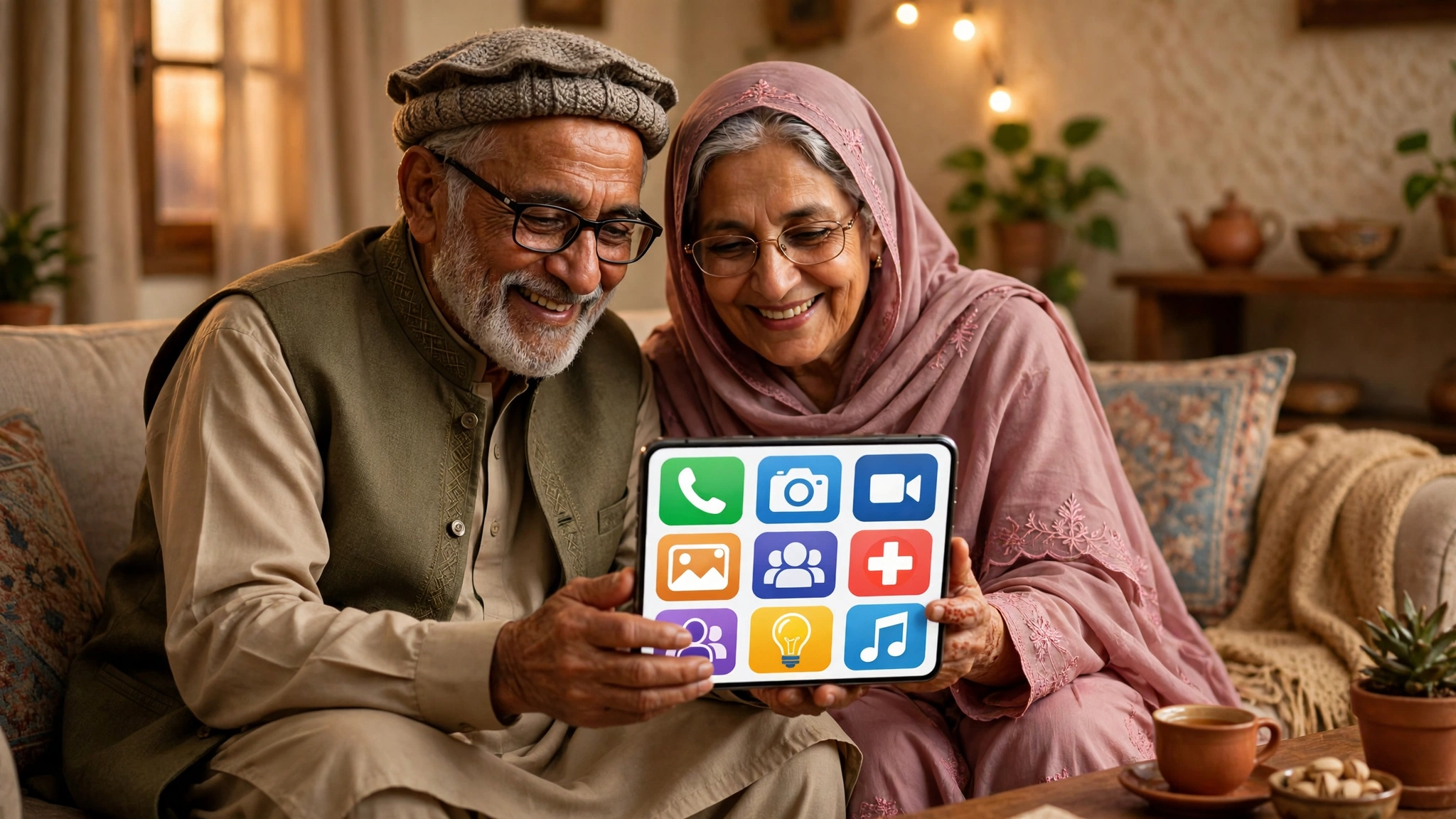
Most Android phones now include a mode that enlarges icons and text and strips the home screen down to essentials. Samsung calls it Easy mode, and other brands offer similar options under names like Simple mode or Elderly mode. This single setting makes more difference than any spec sheet.

Loud speaker and clear calls
If hearing is an issue, check the speaker volume in the shop. Phones that support hearing aid compatibility or allow a volume boost for calls are worth the extra check.
Software updates and security
Updates fix security holes that scammers exploit. Samsung has promised six major Android upgrades for its newest Galaxy A budget phones, which is unusually long for this price range. Many cheaper brands offer far less.
Official warranty and PTA approval
Always buy PTA approved phones with official warranty. A grey-market phone with a tampered or borrowed registration can be blocked months later, and an older parent will have no idea why their phone suddenly stopped working.
6 Best Budget Smartphones for Senior Citizens in Pakistan
These picks balance price, ease of use, after-sales service, and long-term safety. Prices are approximate and current as of October 2026.
| Phone | Approx. price (Rs) | Battery | Best for |
|---|---|---|---|
| Samsung Galaxy A07 | 32,000 to 40,000 | 5,000mAh | Best overall value and longest updates |
| Samsung Galaxy A17 | 58,000 to 65,000 | 5,000mAh | Best screen and camera for video calls |
| Tecno Spark Go 3 | From 41,999 | 5,000mAh | Simple calls and WhatsApp |
| Tecno Spark 50 | From 64,999 | 7,000mAh | Longest battery life |
| A locally assembled Infinix or Redmi entry phone | 30,000 to 45,000 | 5,000mAh+ | Tight budgets with local service |
| A basic keypad feature phone | Under 10,000 | Days to weeks | Seniors who only need calls |
1. Samsung Galaxy A07: best overall value
The Galaxy A07 is the easiest recommendation for most families. It has a 6.7-inch screen, a 5,000mAh battery, and a 50MP main camera that is perfectly fine for photos of grandchildren. Its biggest strength is software. Samsung promises up to six major Android upgrades, so the phone should stay secure for years, and Samsung’s Easy mode is one of the cleanest simple layouts available.
Samsung launched the A07 in Pakistan in late 2025 and raised prices slightly in early 2026, so expect to pay roughly Rs 32,000 to Rs 40,000 depending on storage. Pick the 128GB version if you can. WhatsApp photos and videos fill storage quickly.
Why seniors like it: big text, a familiar Samsung layout, and service centers in every major city.
2. Samsung Galaxy A17: best for video calls
If the main use is seeing family on WhatsApp video, the A17 is worth the extra money. It has a 6.7-inch Super AMOLED screen that is brighter and sharper than the A07’s, a 50MP camera with optical image stabilization, and 25W charging so a forgotten charge is fixed quickly. It also gets Samsung’s long update promise.
Expect roughly Rs 58,000 to Rs 65,000 depending on the variant and retailer.
Why seniors like it: faces look clearer on calls, and the bright screen is easier to read outdoors.
3. Tecno Spark Go 3: simplest everyday phone
The Spark Go 3 is a straightforward phone for calls, WhatsApp, and YouTube. It has a large 6.74-inch screen and a 5,000mAh battery. It is not built for heavy apps, but most older users never need that.
Tecno raised its price on 1 October 2026, and the 4GB and 64GB version now starts at Rs 41,999. Tecno phones are assembled locally and sold widely, so finding a service point outside big cities is usually easier.
Why seniors like it: large screen, simple use, and widely available repairs.
4. Tecno Spark 50: longest battery life
For a parent who forgets to charge, the Spark 50’s 7,000mAh battery is the main attraction. Under light use, it can comfortably last more than a day. Charging is slower at 18W, but that matters less when the phone needs charging less often.
After Tecno’s October 2026 price change, the 6GB and 128GB version costs Rs 64,999.
Why seniors like it: fewer trips to the charger and less worry about a dead phone in an emergency.
5. Locally assembled Infinix or Redmi entry phones
Infinix, Xiaomi’s Redmi line, Vivo, and Realme all sell entry phones in the Rs 30,000 to Rs 45,000 range, and many are assembled in Pakistan. Models change every few months, so instead of naming one that may soon disappear, use the checklist above: a 6.5-inch or larger screen, at least 5,000mAh battery, 4GB RAM, 128GB storage if possible, and official warranty.
A note of caution: some budget brands load phones with ads and preinstalled apps. Spend a few minutes removing or disabling these before handing the phone over, because pop-up ads confuse older users and can lead them to tap on risky links.
6. A basic keypad phone for call-only users
Not every senior needs a smartphone. If your grandfather only makes and receives calls, a keypad feature phone with large buttons and a loud speaker may be the better choice. These cost under Rs 10,000, last days on a charge, and cannot install scam apps or open phishing links. Many families give a parent a keypad phone for calls and a tablet or smartphone at home for video calls.
How to Set Up a Phone for an Older Parent
The setup matters as much as the model. Spend 30 minutes on these steps before handing it over:
- Turn on Easy mode or Simple mode and increase font and display size.
- Add the most important contacts to the home screen as large shortcuts.
- Set up an emergency contact and enable the SOS feature in settings.
- Install WhatsApp and pin family chats at the top.
- Turn off notifications from apps they will not use.
- Enable automatic software updates.
- Set a simple screen lock they can remember, and keep a copy yourself.
- Turn on Google Find My Device, or the brand’s equivalent, in case the phone is lost or stolen.
- Check the phone’s PTA status before purchase by sending the IMEI to 8484 or using the official PTA DIRBS device verification portal.
Real Scams That Target Senior Citizens in Pakistan
Giving an older parent a smartphone also connects them to people who want their money. These are not rare stories. They come from real arrests by Pakistan’s National Cyber Crime Investigation Agency (NCCIA) and from official warnings issued this year.
Fake bank officer calls
This is the most common fraud. A caller claims to be from the victim’s bank, says the account is blocked or under review, and asks for card details, account numbers, or a one-time password (OTP). Once they have it, the money is gone within minutes.
Recent cases show how organized these gangs are:
- Multan: the NCCIA arrested five members of a gang that posed as bank representatives on phone calls and obtained a local resident’s confidential account details.
- Lahore: three men were arrested for posing as bank officers and managers to collect account details and ATM card information from victims. Cases were registered under PECA 2016 and the Pakistan Penal Code.
- Lahore and Multan, July 2026: the NCCIA arrested 14 suspects who lured victims with fake prizes, gifts, donations, and fake “bank verification” or “parcel clearance” calls.
According to NCCIA officials, financial fraud, fake calls, and OTP scams caused the biggest losses to the public over the past year, and the agency has blocked more than 46,000 fake bank accounts used to move stolen money.
Fake investment and trading schemes on WhatsApp
In May 2026, the NCCIA raided a fake trading call centre in an upscale area of Lahore and arrested seven people, including three women. The gang contacted people through WhatsApp, calls, and social media, promised high returns on investments, and moved the money through multiple bank accounts and digital wallets. Retirees with pension savings are an obvious target for this kind of pitch.
“Relative in trouble” and fake official calls
In October 2026, during Pakistan’s Cyber Month campaign, awareness groups warned that scammers are specifically targeting older people with fake bank calls, calls claiming a relative is in distress, fake prize and lottery offers, and callers posing as government officials or tech support. ProPakistani’s report on scammers targeting older people covers the warning in more detail. The official advice is simple: if someone says your account is blocked, hang up and call the bank yourself on the number printed on your card.
Fake government support messages
Families receiving government support, such as the Benazir Income Support Programme, are often sent fake SMS messages asking them to call a number or share CNIC details to “release” a payment. Genuine programs do not ask for fees, PINs, or OTPs over the phone. Teach older relatives to check any such message with a family member first.
Grey-market phones with tampered IMEIs
Not every risk comes through a call. Cheap phones sold as “PTA approved” sometimes carry cloned or tampered IMEI numbers. The PTA and FIA have raided shops in Faisalabad, Gujranwala, Sheikhupura, and Gilgit over this practice, and tampered phones can be blocked permanently. An older buyer has no way to spot this, which is another reason to buy from an authorized seller and check the IMEI first.
How to Protect an Older Parent From Phone Scams
A phone can be made much safer with a few habits and settings:
- Teach one golden rule: no bank, government office, or mobile company will ever ask for a PIN, password, card number, or OTP on a call. Anyone who asks is a scammer.
- Agree on a family code word for genuine emergencies, so a fake “your son is in trouble” call can be tested.
- Turn on spam call filtering in the phone app, and consider a caller ID app from a trusted brand.
- Turn on two-step verification in WhatsApp so the account cannot be stolen with a single code.
- Set low daily transaction limits on the bank app or mobile wallet, and turn on SMS alerts for every transaction.
- Keep the bank’s official helpline saved as a contact with a clear name, so they call the real number.
- Report fraud quickly to the bank and to the NCCIA. Speed matters, and the NCCIA has recovered stolen money in some cases when victims reported early.
The best protection is a relationship, not an app. A weekly check-in call where you ask “Did anyone strange call or message you?” catches more scams than any setting.
Conclusion
The best budget smartphones for senior citizens in Pakistan are the ones that are easy to see, easy to use, and safe to own: the Samsung Galaxy A07 offers the best overall value with years of updates, the Galaxy A17 gives a brighter screen and better camera for video calls, Tecno’s Spark Go 3 and Spark 50 cover simple daily use and two-day battery life, and a basic keypad phone remains a smart choice for parents who only need calls. Whichever you choose, buy a PTA approved phone with official warranty, spend half an hour turning on easy mode and safety settings, and teach the one rule that would have stopped most of the bank impersonation, OTP, and fake investment scams the NCCIA has broken up this year: no genuine caller ever asks for a PIN, password, or code.