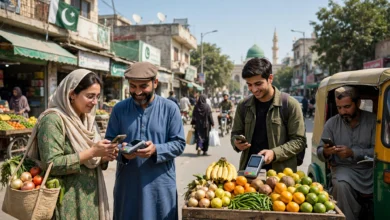
Top Government Digital Services Available on Your Smartphone
Government digital services now fit in your pocket, from Pak-ID to ePay Punjab. Here is what each app does, how well it works, and the scams to avoid.
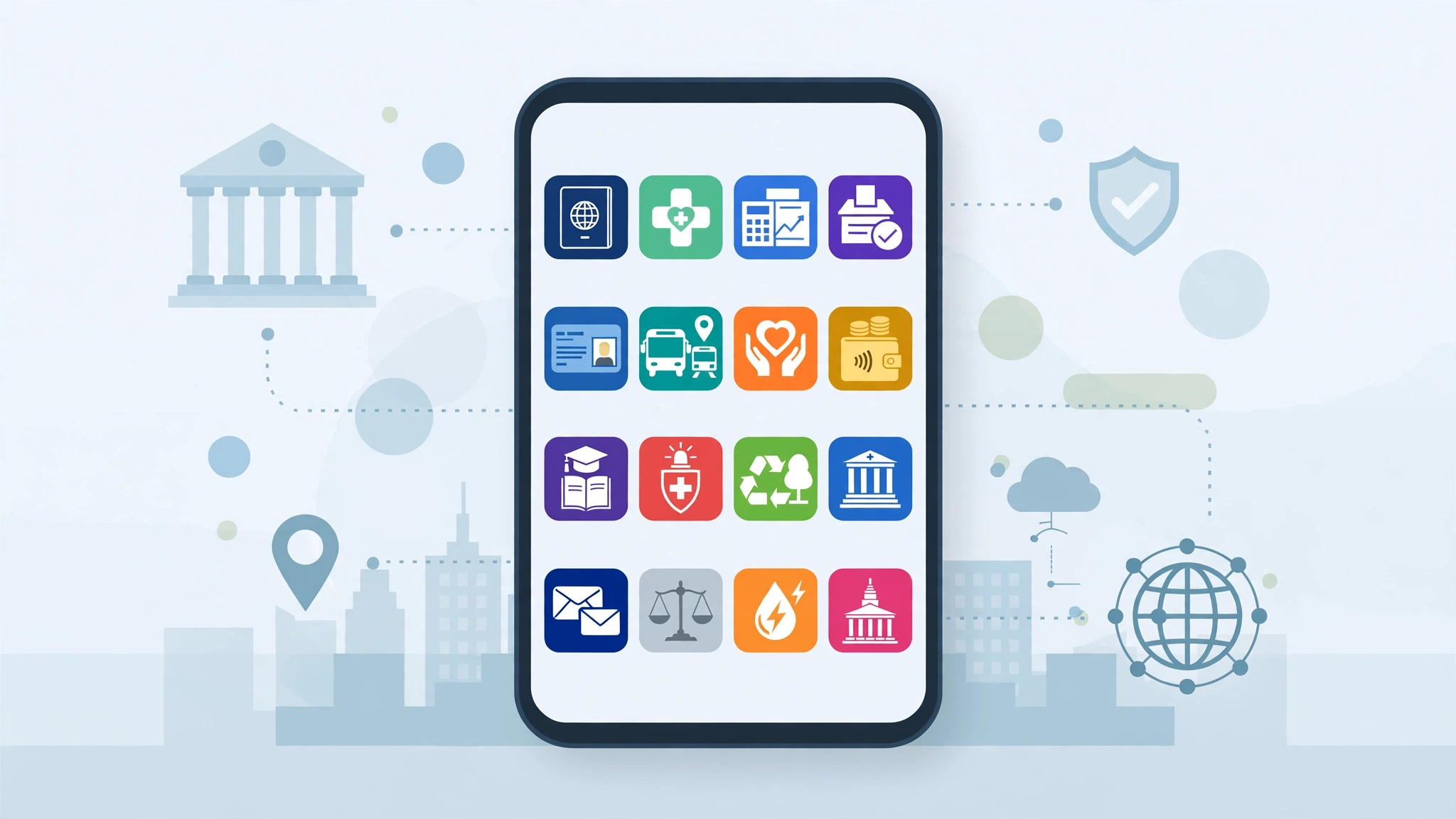
Government Digital Services: 7 Essential Apps on Your Smartphone and the Scams to Avoid
Introduction
Government digital services have changed what a smartphone can do for an ordinary Pakistani. Not long ago, renewing an ID card, paying a vehicle token tax, checking a traffic fine or complaining about a broken streetlight meant a trip to an office, a long queue and often an agent asking for “speed money.” Today many of these tasks take a few minutes on a phone, from home, at any hour.
That convenience has a cost that few guides mention. Every time a genuine service goes digital, fraudsters copy it. Fake e-challan messages lead to cloned websites built to steal card details. Fake texts in BISP’s name target poor women with promises of stipends. Fake laptop scheme links collect students’ personal data. SIMs have been activated against people’s CNICs without their knowledge. Even real apps have their own problems, including slow support, downtime and complaint systems that report high resolution rates while many users remain unhappy.
This guide covers seven of the most useful government digital services available on your smartphone in Pakistan: what each one does, how well it works in practice, and the scams that copy it. It also gives simple rules for telling an official service from a fake one. The aim is practical: help you use these tools confidently, avoid the traps, and know what to expect when the system doesn’t work as promised.
What Are Government Digital Services?
Government digital services are official public services you can access online, through a mobile app, a website or an SMS short code, instead of visiting an office in person. In Pakistan they include:
- Identity and documents such as ID cards, B-Forms and passports.
- Payments for taxes, fines and fees.
- Complaints and feedback to government departments.
- Verification of SIMs, phones, voter registration and challans.
- Social protection messages, such as BISP payment alerts.
Most of these services are free. That simple fact is also your best defence against fraud, as later sections explain.
7 Top Government Digital Services on Your Smartphone
1. Pak-ID App (NADRA): Identity Documents From Home
The Pak-ID app is NADRA’s flagship mobile service. It lets you apply for and renew ID cards, update family records, and obtain other documents without visiting a centre. Uptake has been strong: more than six million citizens obtained their identity documents through the Pak-ID mobile application during 2025. By mid-2026, the total number of downloads of the app crossed 18.1 million.
The app now also gives you a legally valid digital card. NADRA says the digital record and digital identity available through the Pak ID app now have the same legal status as the relevant physical identity document. Passport offices accept it too: applicants can verify their identity through the digital ID available in the Pak ID mobile app.
Reality check: the app is only as safe as NADRA’s database, and that database has been breached before. A joint investigation found that data of 2.7 million Pakistanis was compromised between 2019 and 2023, allegedly with the involvement of NADRA offices in Multan, Peshawar, and Karachi. Using the official app is safer than paying an agent, but you should still guard your CNIC details carefully.
2. Pakistan Citizen Portal: Complaints to Any Department
The Pakistan Citizen Portal lets you file complaints with federal and provincial departments and track their progress. It is widely used. Official figures show the portal received 6,052,791 complaints, of which 5,974,343 have been marked as resolved.


Reality check: “resolved” doesn’t always mean “satisfied.” An analysis of the same data found that 1,689,301 users were satisfied with the handling of their complaints, accounting for 27.9 percent of all registered complaints, while 1,922,472 users expressed dissatisfaction, representing 31.8 percent of total complaints. The app has also had long outages: in 2025, citizens reported being unable to access it for two months due to “necessary maintenance.” The portal is still worth using, but expect to follow up and escalate if your issue is closed without a real fix.
3. FBR Tax Asaan and the Traders’ App: Tax Filing on Your Phone
The FBR’s Tax Asaan app handles income tax return filing, registration and payments. Its listed features include Easy Wizard-based Income Tax Return Filing (Salaried & Normal Return) and Income Tax Registration (Signup), along with verification and e-payment services.
In August 2026, the government added a separate app for small shopkeepers. The FBR chairman said it would let taxpayers complete the filing process in around eight to 10 clicks without visiting an FBR office.
Reality check: adoption has been slow among traders. A month after launch, the minister of state said around 5,000 retailers had registered through the Aasaan Tax Scheme app and were in the process of filing their simplified returns, a small number against the millions of shops operating in the country. Filing overall is rising, though: the FBR received 2.7 million income tax returns, along with tax payments of Rs. 6.1 billion, up to September 16, 2026, compared with 1.9 million at the same point a year earlier.
4. ePay Punjab: Taxes, Fees and Challans
ePay Punjab is the Punjab government’s payment app. It describes itself as the first ever government payment gateway designed to allow the citizens of Punjab to pay their taxes digitally through alternative delivery channels. It covers vehicle token tax, registration, transfer fees, property tax, e-stamping and more. The app generates a 17-digit PSID number, which you then pay through mobile banking, ATM or over the counter. Vehicle owners can even get a 10% token tax rebate for paying before August 31, 2026.
Reality check: user reviews point to problems with data links and support. One reviewer wrote that the app is not fully/ correctly linked with NADRA and complained about customer support. As with most government digital services, keep your PSID and payment receipt in case something goes wrong.
5. PTA’s SIM and Phone Checks: 668 and 8484
Two PTA short codes protect you from identity theft and illegal phones:
- 668 for SIM checks. To check how many SIMs are registered under your CNIC, users can visit https://cnic.sims.pk or send their CNIC number (without dashes) via SMS to 668.
- 8484 for phone checks. Before buying a phone, PTA advises users to check IMEI status of a device prior to buying, 15 digit IMEI be sent via SMS to 8484. You can find your IMEI by dialing *#06#.
Reality check: these checks exist because the underlying crimes are real. The PTA set up the 668 system after identity theft that led to activation of SIMs without the knowledge of CNIC holders. It has also warned about passport details of some passengers being misused by fraudsters, and IMEI cloning, where a fake device is reprogrammed with a PTA approved IMEI. Checking your SIM count every few months takes seconds and can protect you from serious trouble. More detail is on the PTA DIRBS FAQ page.
6. ECP’s 8300 Service: Check Your Vote
The Election Commission’s 8300 SMS service is one of the simplest government digital services in the country. Send your CNIC number by text and an automated response will be received in this regard with the name of electoral area, block code and serial number. It is a quick way to confirm your vote hasn’t been moved or deleted before an election. You can also check details on the ECP’s registration status page.
Reality check: 8300 only checks your status. To register, transfer or correct a vote, you still need to submit a paper form at an ECP office.
7. Raast Through Your Banking App: Instant Government and Personal Payments
Raast, the State Bank’s instant payment system, runs through your existing bank or wallet app rather than a separate government app. It is now the backbone of digital payments in Pakistan. In early 2026, Raast processed 742m transactions amounting to Rs23.27tr during the quarter. Government and business payments run through it too: over 9 million transactions worth PKR 2.6 trillion were processed by government and corporates using Raast Bulk Service.
Reality check: instant payments also mean instant losses if you are tricked. Cybercrime officials have warned that financial fraud through WhatsApp hacking has increased, with money being extorted from friends and family by compromising accounts. A Raast transfer to a scammer is very hard to reverse.
The Scams That Copy Government Digital Services
Every one of the services above has been copied by fraudsters. These are the most common patterns in Pakistan.
Scam 1: Fake E-Challan Messages and Cloned Websites
The Punjab Safe Cities Authority (PSCA) has repeatedly warned about fake e-challan SMS messages. Scammers send messages from different mobile numbers, along with fraudulent links, which they use to get people’s banking information or to illegally extract money. In one case, the link directed recipients to click and follow steps on a cloned website to deposit supposed fines.
The PSCA’s guidance is clear: official messages neither contain any links, nor instruct the recipients to make online payments. Verification should be done only through the official website echallan.psca.gop.pk, and payment only via e-Pay Punjab after generating a PSID.
An important detail: official sender numbers can change. In December 2025, PSCA said legitimate e-challan notifications are only sent from the official Punjab government number, 8070. By March 2026, it said official e-challan SMS notifications are sent exclusively from the Punjab government designated number, 9915, and that scammers were now using 8070. The lesson is to verify on the official website rather than trust any number you remember.
Scam 2: Fake BISP Messages
The poorest families are targeted most. BISP has said there is an alarming rise in fraud cases in the name of the Benazir Income Support Programme (BISP). Typical fake messages claim that the stipends of the beneficiaries have been approved, seek contact details for transferring amount or promise inclusion in the BISP programme.
The rules to remember: only messages received from 8171 are genuine and reliable, while all other messages are fake, and BISP surveys and registrations are completely free, and any demand for fees or forms is fraudulent.
Scam 3: Fake Laptop and Scheme Registration Links
Whenever the government announces a popular scheme, fake registration sites appear. A Geo fact-check found one viral page was a fraudulent website that uses a fake offer to collect users’ information and encourage them to share the link with others. The simple test it gave: the federal government’s official websites end in .gov.pk.
Scam 4: SIMs Registered in Your Name
Criminals use SIMs registered to other people’s CNICs to commit fraud, so the real owner can end up blamed. The PTA has said mobile operators continue efforts against identity theft wherein SIMs were activated without the knowledge of CNIC holders. If 668 shows a SIM you don’t recognise, the customer can remove extra SIMs against his/her CNIC by requesting respective operator.
Scam 5: Fake Biometric Verification
Even biometric checks can be faked. In one Lahore raid, investigators recovered 415 fake active SIM cards, 610 fake silicone thumb impressions, 56 ATM cards and 13 biometric verification devices. Never give your thumbprint to anyone outside an authorised outlet, and be wary of “agents” who offer to handle biometrics on your behalf.
How to Tell a Real Government Service From a Fake One
Use this checklist every time:
- Check the domain. Federal sites end in .gov.pk. Punjab sites often end in .punjab.gov.pk or .gop.pk.
- Download apps only from official stores, and check that the publisher is the real department (for example NADRA, FBR or PITB).
- Never click payment links in SMS. Real fine and tax notices tell you what you owe, not where to click.
- Remember that most services are free. BISP registration, Citizen Portal complaints, 8300 and 668 checks cost nothing.
- Never share OTPs, PINs or card numbers with anyone, even if they claim to be from a government office.
- Verify sender numbers on the official website, because they can change over time.
- Report fraud to the NCCIA cybercrime portal and to the department being impersonated.
Ethical Questions About Government Digital Services
Are digital services fair to everyone?
Older people, people with low literacy, and women who don’t own their own phone can find apps hard to use. Government digital services should always keep a working offline option and offer help desks, so digital doesn’t mean “only for the connected.”
Is “resolved” an honest measure?
The Citizen Portal shows that headline statistics can overstate success. Publishing satisfaction rates alongside resolution rates, as the official data now does, is a good step toward honest reporting.
Who protects citizens’ data?
Apps collect CNICs, addresses, family data, vehicle details and payment records. After the NADRA leak, citizens deserve an enforceable data protection law and clear disclosure when breaches happen.
Who is responsible when scams succeed?
Scammers exploit gaps such as unclear sender numbers, look-alike domains and slow takedowns of fake websites. Departments should invest in public awareness, quick takedowns of cloned sites and verified sender IDs, rather than leaving citizens to work it out alone.
Quick Reference: Official Short Codes and Channels
- 8300: check voter registration (ECP).
- 668: check SIMs registered on your CNIC (PTA).
- 8484: check a phone’s IMEI status (PTA).
- 8171: the only official BISP SMS sender.
- 9915: the current official Punjab e-challan SMS sender, as of 2026. Verify on echallan.psca.gop.pk if in doubt.
- Pak-ID, Tax Asaan, ePay Punjab, Pakistan Citizen Portal: download from official app stores only.
Conclusion
Government digital services now let Pakistanis do on a smartphone what once took days of queues and agents. They can apply for ID documents through Pak-ID, file complaints through the Pakistan Citizen Portal, file taxes through Tax Asaan and the new traders’ app, pay token tax and fees through ePay Punjab, check SIMs and phones through 668 and 8484, confirm their vote through 8300, and send instant payments through Raast. The record isn’t spotless: the NADRA leak, Citizen Portal outages and low satisfaction rates, slow trader adoption and app support problems show the services still need work. The bigger risk comes from fraudsters who copy each service, with fake e-challan links and cloned websites, fake BISP messages, fake laptop scheme pages, SIMs activated on stolen identities and fake silicone thumbprints. The safest approach is simple: use only official apps and domains, never click payment links in SMS, remember that most services are free, never share OTPs or PINs, check your SIMs regularly, and report anything suspicious. Used carefully, these government digital services can save time and money and reduce corruption for every citizen.